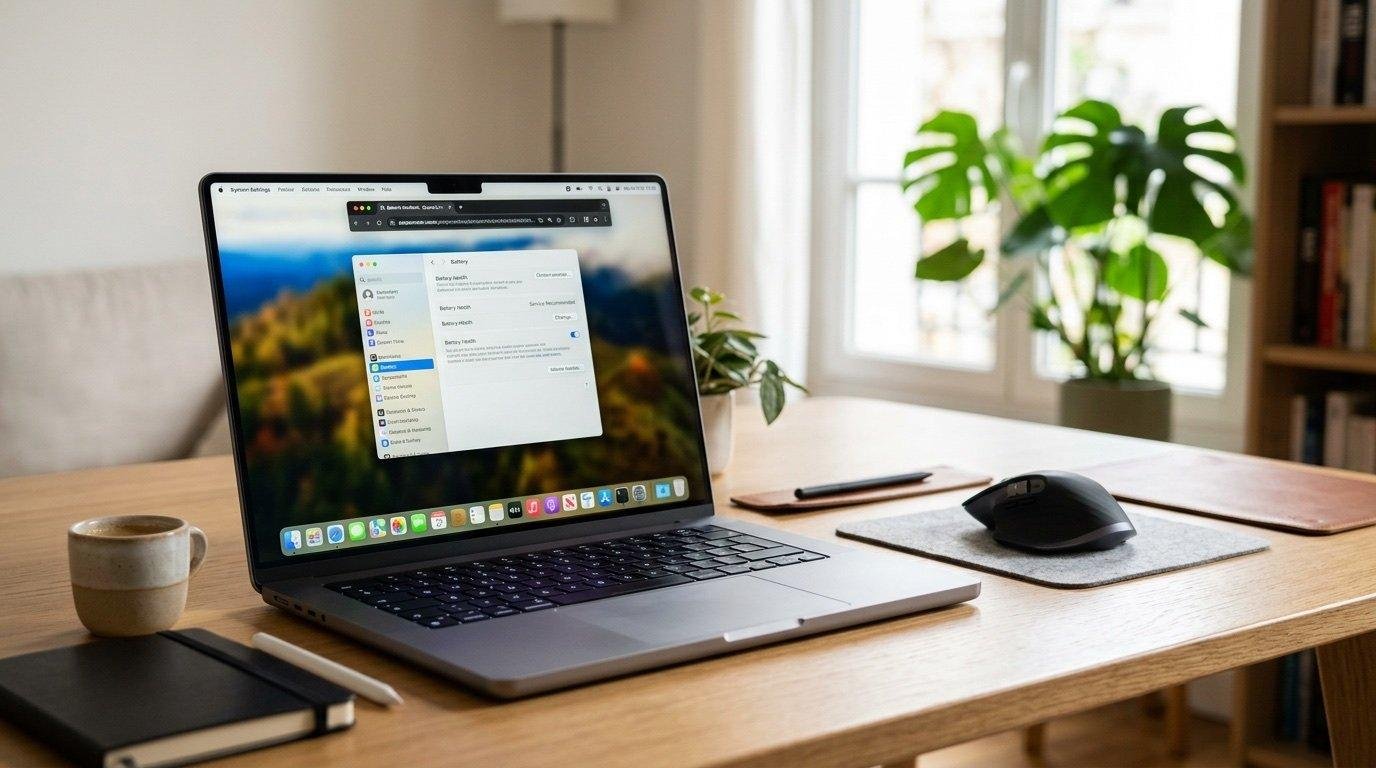

Buying a new laptop can be challenging because there are so many models, brands, and specifications to compare. Some laptops are designed for students, while others are built for business professionals, creative work, gaming, or everyday browsing.
The best laptop for you depends on your budget, how you plan to use it, and which features matter most. In this guide, we explain what to look for when buying a laptop in 2026.
1. Choose a Laptop Based on Your Needs
Before comparing brands, identify your main purpose.
- Students: Look for a lightweight laptop with good battery life and enough memory for studying.
- Office professionals: Choose a reliable model with a comfortable keyboard and strong multitasking performance.
- Content creators: Consider a powerful processor, 16GB or more of RAM, and a high-quality display.
- Gamers: Look for a dedicated graphics card, effective cooling, and a high-refresh-rate screen.
- Everyday users: A reasonably priced laptop with an SSD and sufficient memory is usually enough.
2. Select the Right Processor
The processor affects how quickly a laptop handles applications and multitasking. Modern Intel Core, AMD Ryzen, and Apple silicon processors serve different needs and budgets.
For everyday tasks, you do not necessarily need the most expensive processor. For video editing, software development, and demanding applications, a higher-performance chip may be worthwhile.
Compare real-world performance, power efficiency, and compatibility with the applications you use.
3. How Much RAM Do You Need?
RAM helps your laptop run multiple applications smoothly.
- 8GB: Suitable for basic tasks, depending on your operating system and workload.
- 16GB: A good starting point for many students and professionals.
- 32GB or more: Useful for demanding creative projects, virtual machines, and intensive multitasking.
If the laptop has soldered memory, check the RAM configuration carefully before purchasing because upgrading it later may be impossible.
4. Choose SSD Storage
An SSD helps a laptop start quickly and open programs faster than a traditional hard drive.
A 256GB SSD can work for light use, but 512GB is a more comfortable starting point for many buyers. Consider 1TB or more if you store large games, videos, photos, or project files.
5. Check Battery Life and Portability
If you travel frequently or attend classes, battery life and weight are important. Look at independent battery tests rather than relying only on advertised figures.
A laptop weighing around 1.2–1.6 kg can be convenient for everyday travel, although weight varies by size and design.
6. Pick the Right Display
A 13- or 14-inch laptop is often convenient for travel, while a 15- or 16-inch screen provides more workspace.
Check resolution, brightness, viewing angles, color accuracy, and whether the screen has an anti-glare finish. Creative professionals may need better color accuracy, while gamers may prioritize refresh rate.
7. Compare the Total Value
Do not choose a laptop based on price alone. Consider the warranty, build quality, upgrade options, keyboard, ports, and customer support.
A slightly more expensive laptop may provide better long-term value if it lasts longer and meets your needs without requiring early upgrades.
Conclusion
The best laptop to buy in 2026 is the one that matches your workload and budget. Focus on the processor, RAM, SSD storage, display, battery life, and warranty before making your decision. Compare independent reviews and verify the exact specifications of the model sold in your region.