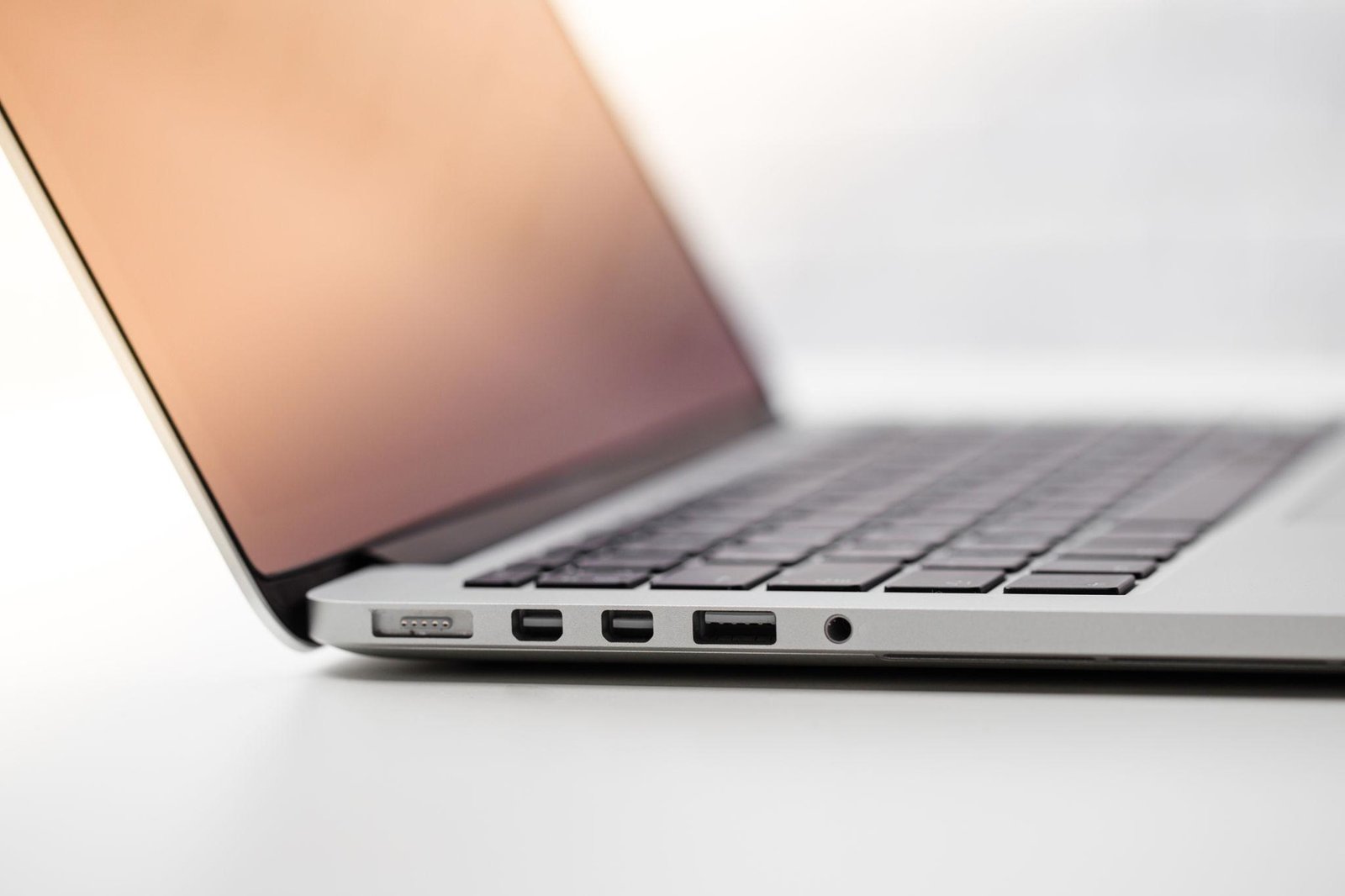

Buying a laptop for the first time can feel difficult when product listings are full of technical terms. You may see processor names, RAM capacities, SSD sizes, display resolutions, and battery claims without knowing which features are important.
This laptop buying guide explains the basics in simple language so you can make an informed choice.
What Is a Laptop Processor?
The processor, also called the CPU, handles instructions and calculations. It affects how quickly your computer performs many tasks.
A basic laptop can handle web browsing and documents, while a more powerful processor is useful for demanding software, programming, and professional workloads.
Do not compare processors by brand name alone. Look at the specific model, generation, performance reviews, and power efficiency.
What Is RAM?
RAM is temporary working memory used by open applications and tasks. More RAM can help when you run several programs simultaneously.
For everyday use, 8GB may be sufficient. For heavier multitasking, 16GB is a practical target. Advanced workloads may benefit from 32GB or more.
What Is an SSD?
An SSD is a storage device that holds your operating system, applications, and files. It usually provides much faster everyday performance than an older mechanical hard drive.
Consider how many files you expect to keep on the computer. Cloud storage can help, but an internet connection may be required to access some files.
Understanding Laptop Screen Sizes
Screen size is measured diagonally.
- 13–14 inches: Portable and convenient for travel.
- 15–16 inches: A balance between screen space and portability.
- 17 inches or larger: Useful for a spacious workspace but generally less convenient to carry.
The best size depends on whether you work mostly at a desk or move around frequently.
What Does Screen Resolution Mean?
Resolution describes the number of pixels used to display an image. A higher resolution can provide sharper text and detail, although screen size and scaling also affect the experience.
Full HD is a common choice for general-purpose laptops. Higher resolutions can be useful for creative work, but they may increase the price and sometimes reduce battery life.
Which Operating System Should You Choose?
Windows offers broad software and hardware compatibility. macOS is available on Apple Mac computers and integrates with Apple’s ecosystem. ChromeOS is designed around web applications and cloud services.
Before deciding, check whether your essential programs and accessories work with the operating system.
Integrated vs. Dedicated Graphics
Integrated graphics are built into the processor or system-on-chip and are suitable for many everyday tasks, video playback, and some creative applications.
Dedicated graphics use a separate graphics processor and are often better for demanding games, 3D rendering, and certain video workflows.
Dedicated graphics can add cost, power consumption, and weight.
Check Ports and Wireless Connectivity
Look for the ports you actually need, such as USB-A, USB-C, HDMI, and an audio jack. Also check Wi-Fi capability and Bluetooth support.
USB-C does not automatically guarantee every feature, such as high-speed data, display output, or charging. Verify the exact specifications.
Why Battery Life Matters
Manufacturers may advertise battery life under particular testing conditions. Actual results depend on brightness, applications, connectivity, and power settings.
Read independent reviews that test battery life under realistic conditions.
Should You Buy a New or Refurbished Laptop?
A new laptop usually comes with a new-device warranty and fresh battery. A reputable refurbished laptop can offer better specifications for the money, but its condition and remaining battery capacity may vary.
Check the seller’s return policy, warranty, battery health, and whether the operating system is properly licensed.
Common Laptop Buying Mistakes
Avoid buying more power than you need, choosing insufficient storage, overlooking memory upgrade limits, or ignoring repair support.
Do not rely only on discounts or marketing claims. Verify the complete model number because similar-looking laptops may have different screens, processors, and memory configurations.
Conclusion
Understanding a few core specifications makes laptop shopping much easier. Focus on your daily tasks, then compare the processor, RAM, SSD, display, battery life, ports, and warranty. A well-matched laptop can provide excellent value without requiring the most expensive configuration.